
Docs Fresh changelog
Links explorer 🔗
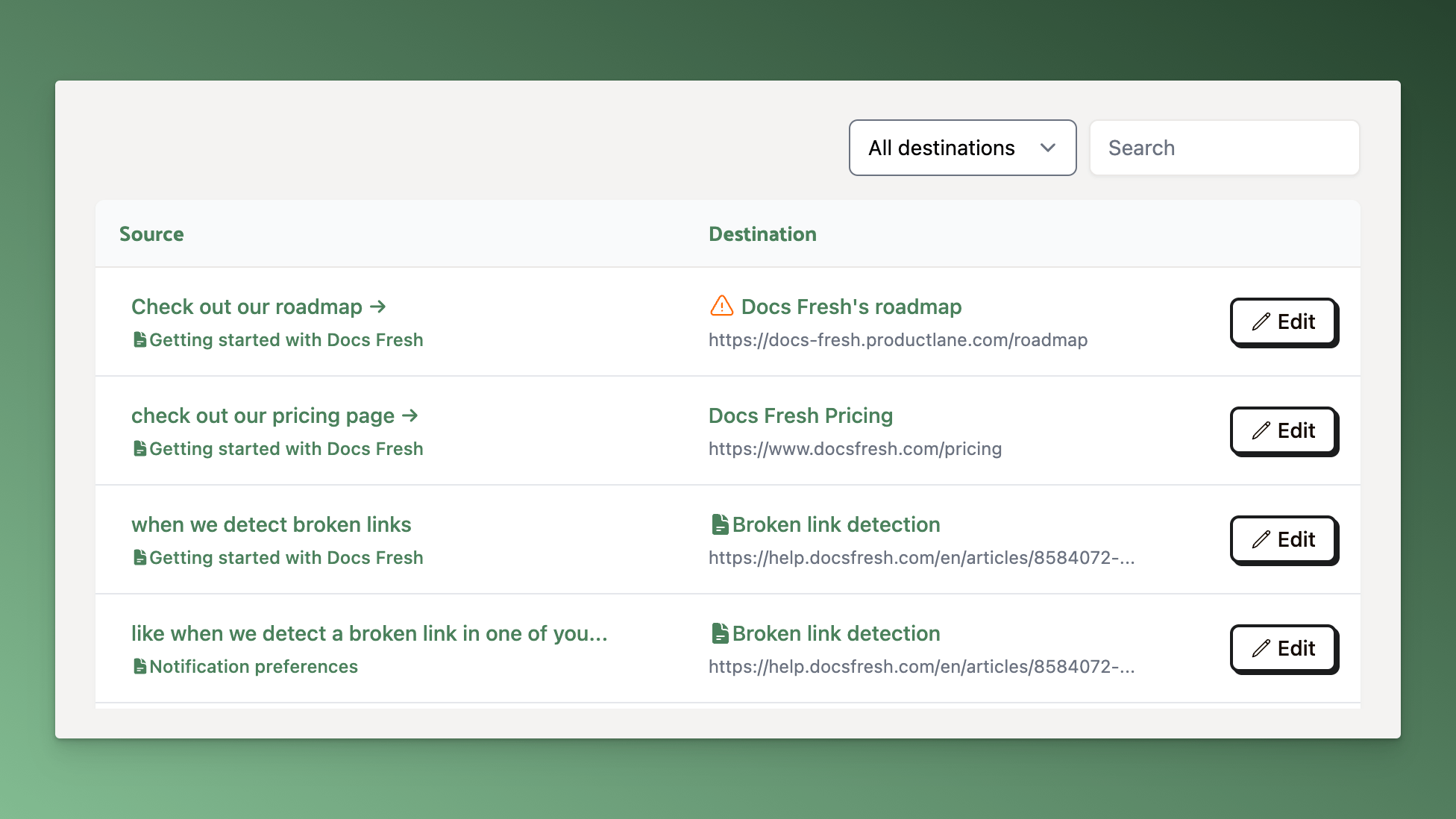
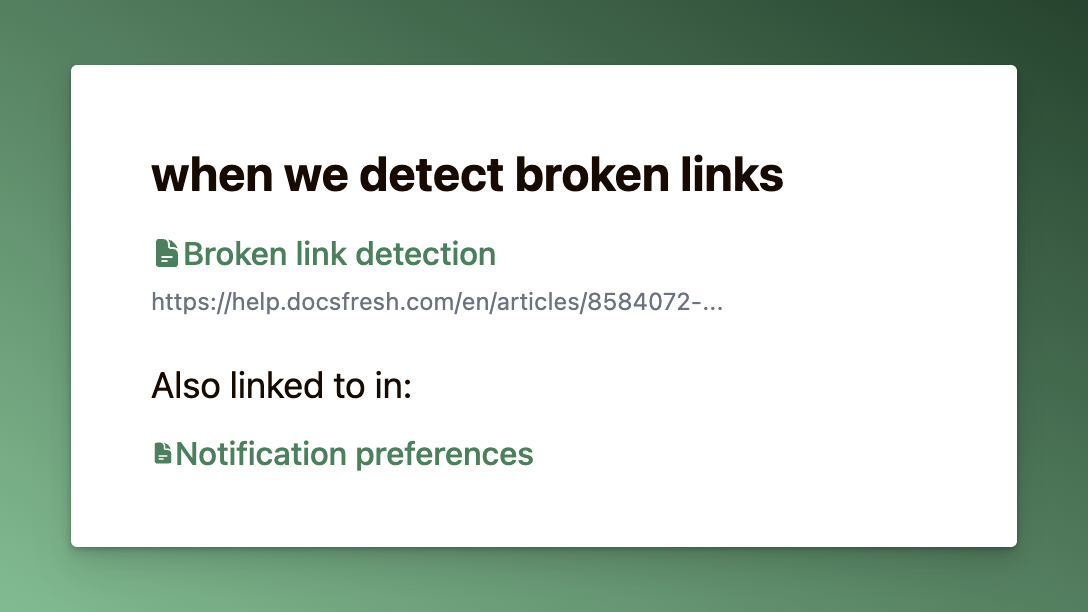
You can now view all links within your help center on a single page. You can search by text or URL, filter by link destination (other documents, external pages, or other), and even see which other articles link to the same URL:
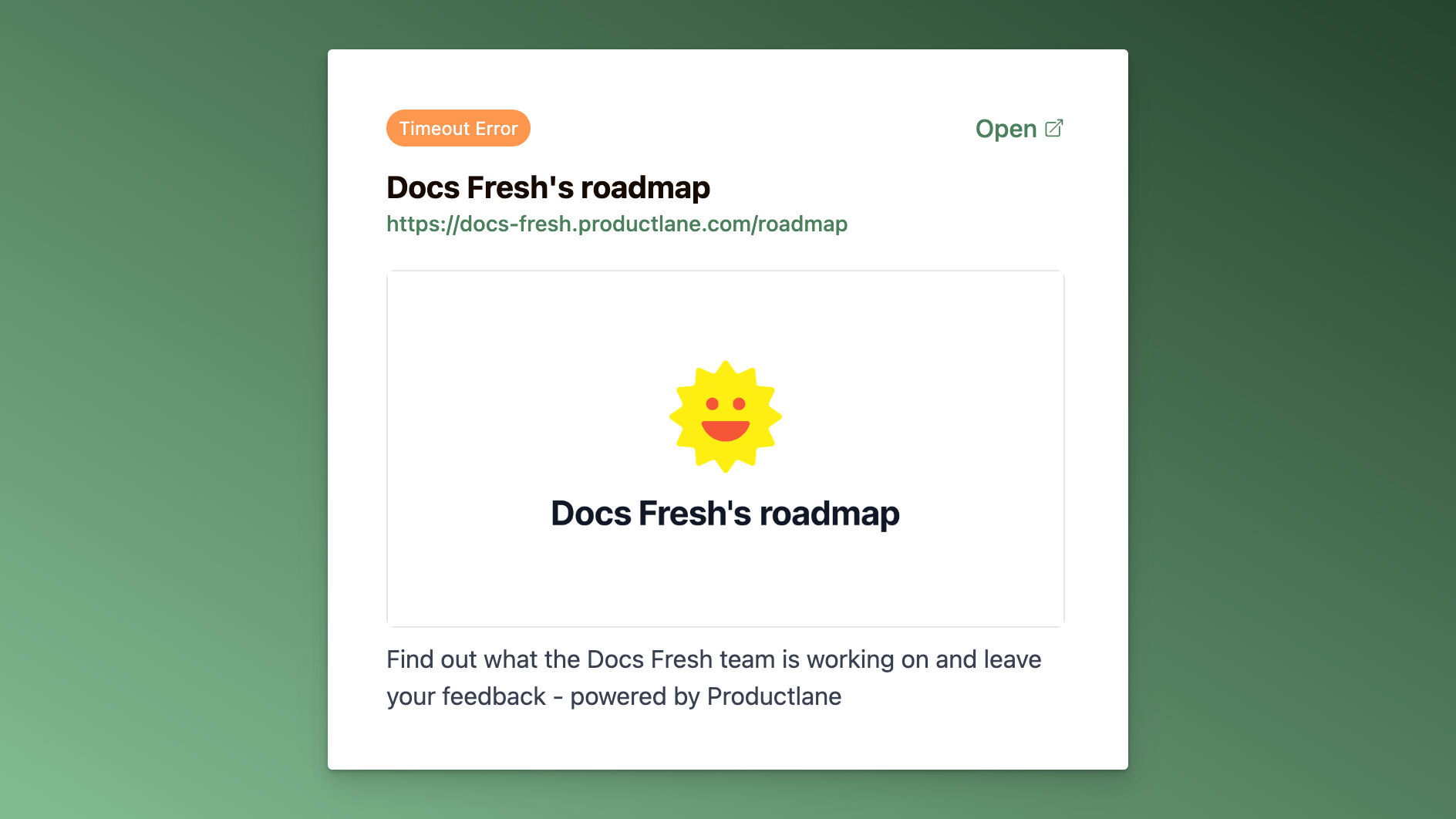
For links to external web pages, you can see a bit more info about whether it's working or not, as well as its meta image and description (if available):
Coming soon: bulk link editing
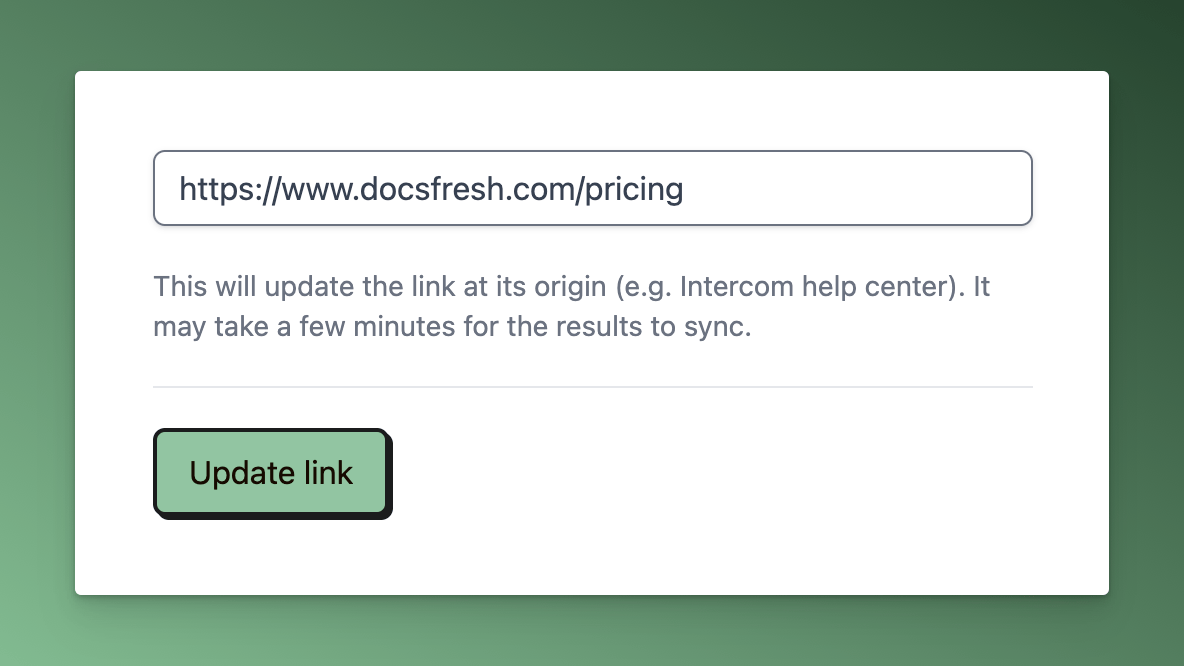
Got some broken links that need fixing? Soon, you'll be able to edit links directly on the Links page. When you change a link in Docs Fresh, we'll automatically update it in your help center, making link maintenance a breeze.
We'll be rolling out link editing very soon! If you'd like early access, chat us or email [email protected] and let us know!
More improvements & fixes
Improved retries when testing for broken links to external web pages
Improved handling of links when they're removed from the origin document
Fix links to draft articles 📝
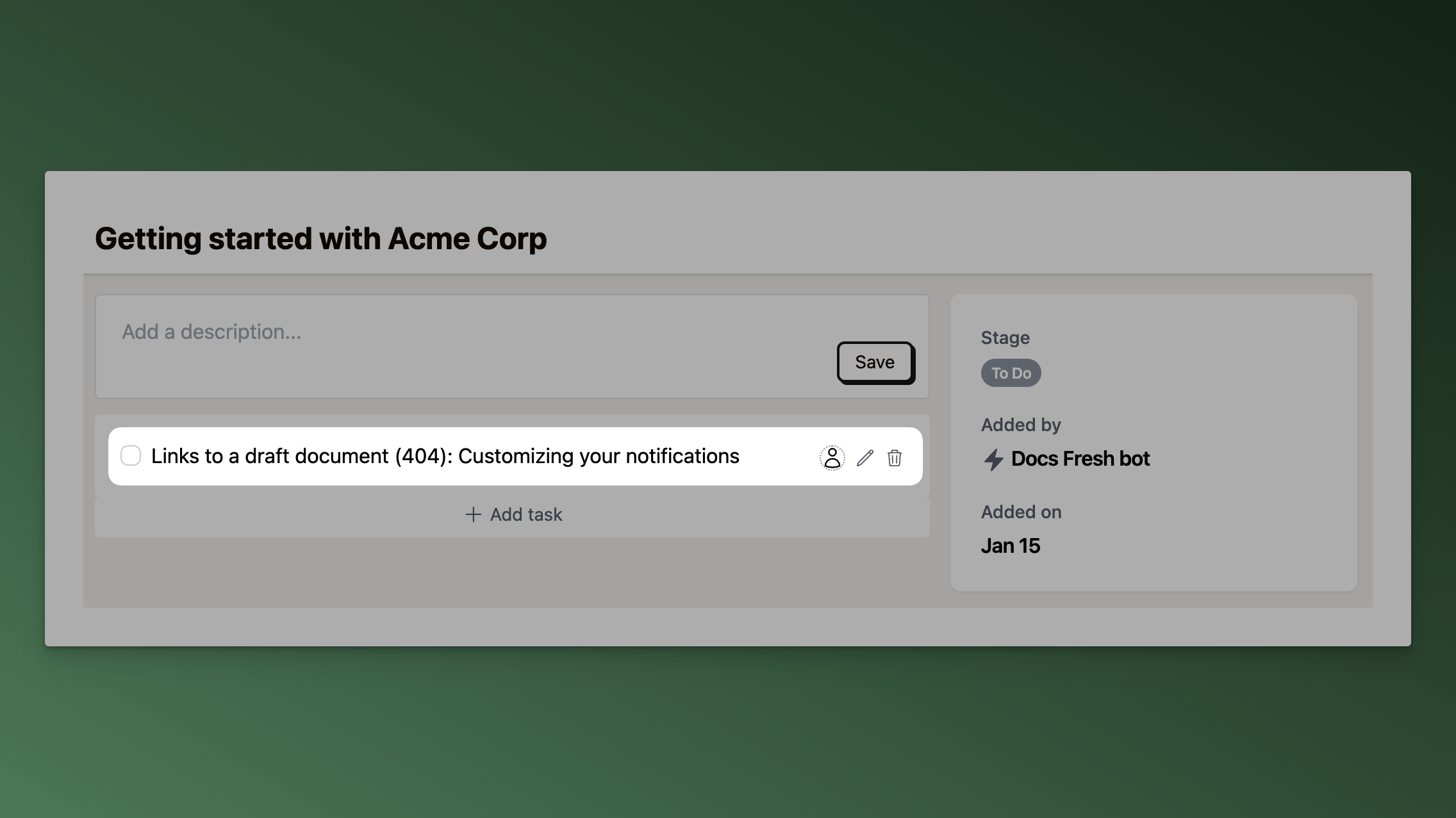
Sometimes you'll be batch releasing articles with cross-references, or temporarily mark an article as draft while making updates.
But links from a published article to a draft article will cause 404 errors for users of your help center.
We now handle this scenario, and we'll add the published document to the Review Board with a task to fix the link to the draft article.
Improved Outgoing Links
As part of this improvement, we've also updated our outgoing links modal to indicate links to draft documents:
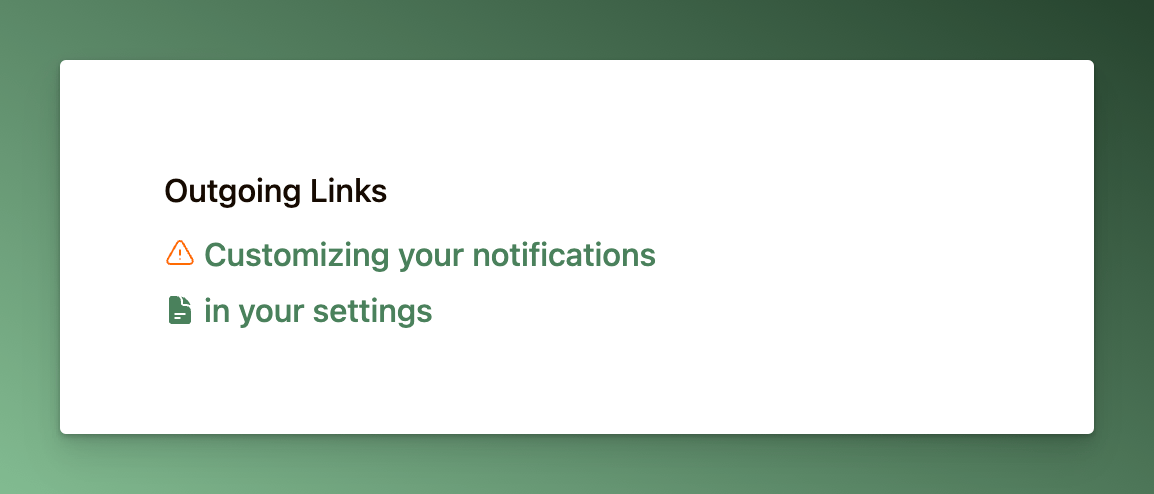
The text for each link in the list is now the actual text for the link in the current document (instead of the linked document's title). Hovering the icon on the left reveals a preview card with a link directly to that document.
More improvements & fixes
Show
draftbadge on documents that are...well, draftsImproved handling of malformed links
Handle Intercom article links that don't include the locale
Fixed encoding issue when fetching some external web pages
Fixed duplicated titles on cards page
Fixed issue where links to the admin UI for an Intercom article weren't processed correctly
Broken link detection 🪄
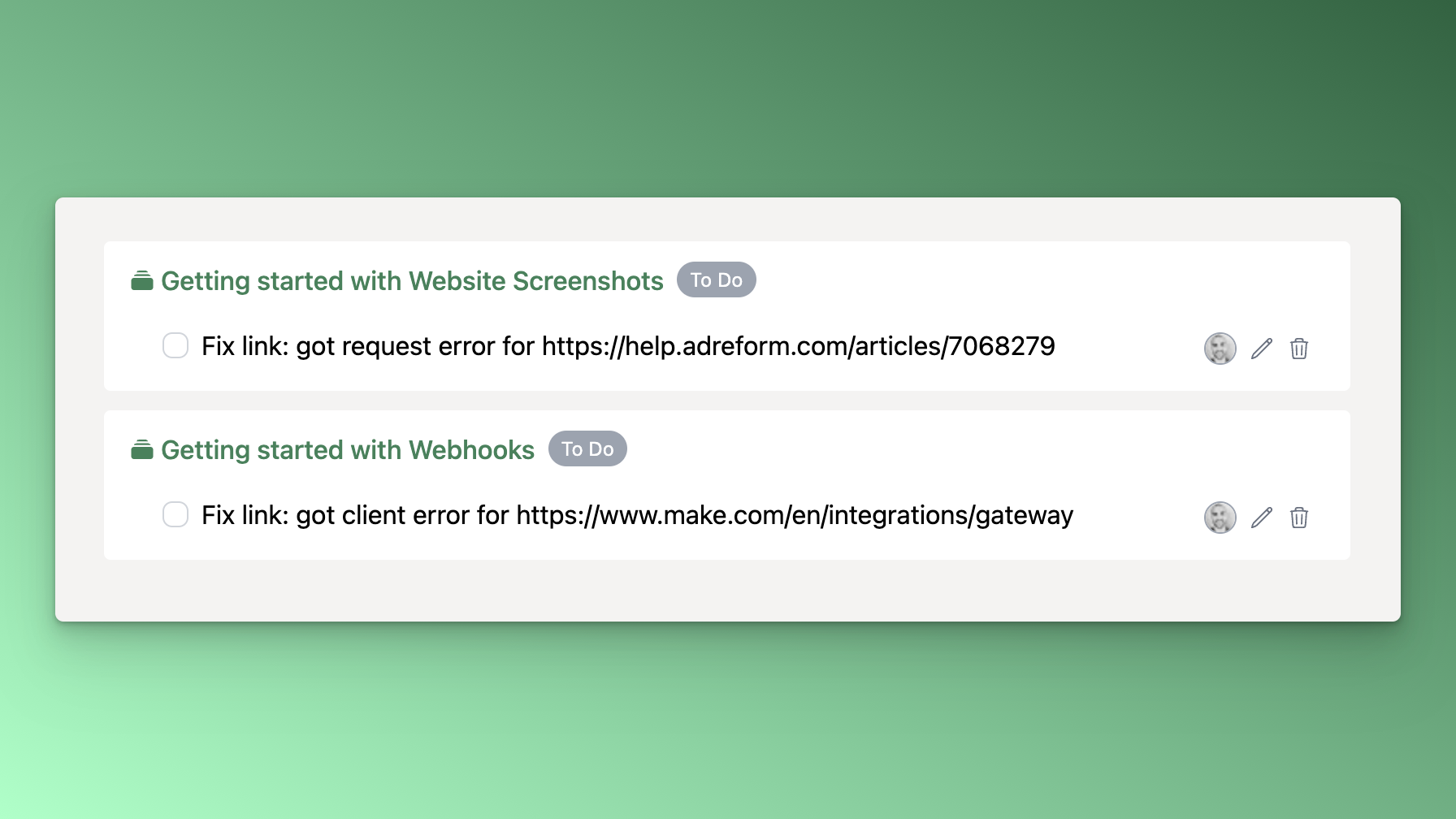
We now detect broken links in your docs and automatically create tasks to fix them. Just like other tasks, you'll get notified when you've got a broken link to fix:
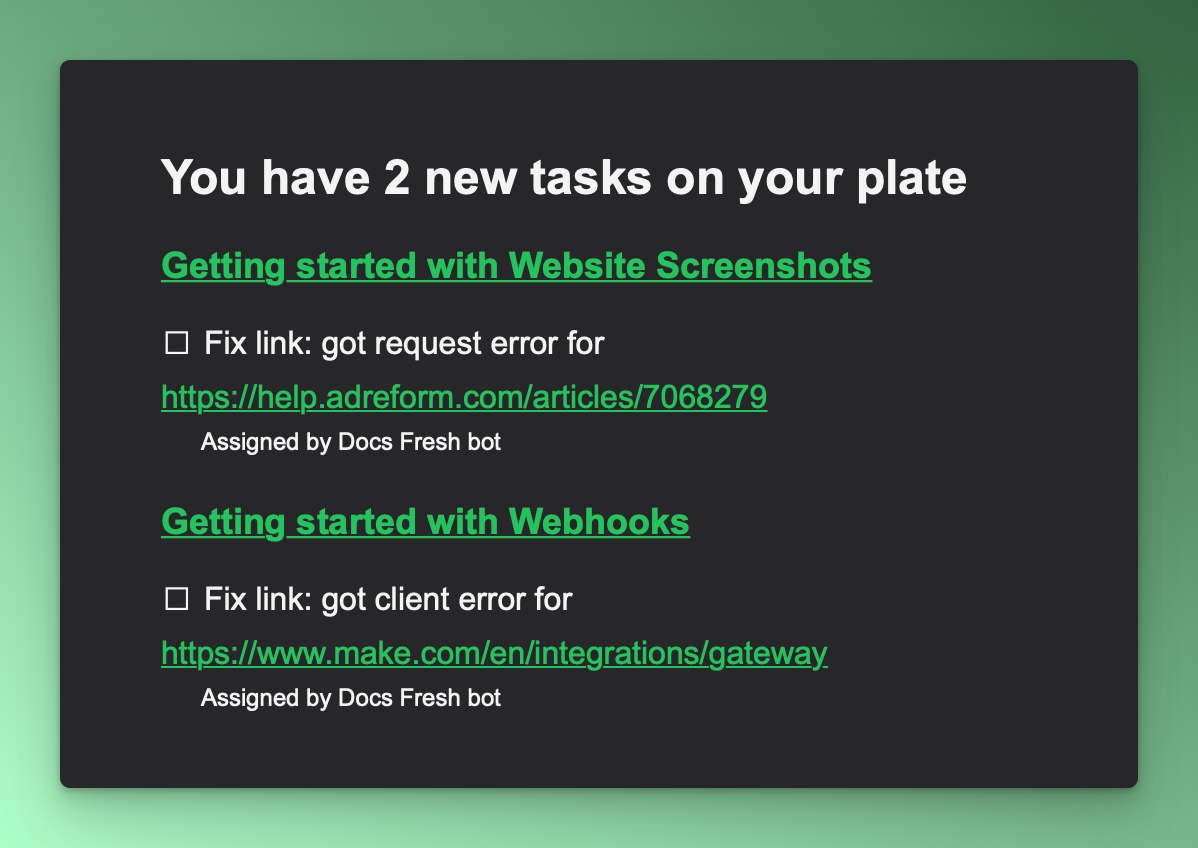
Notification preferences
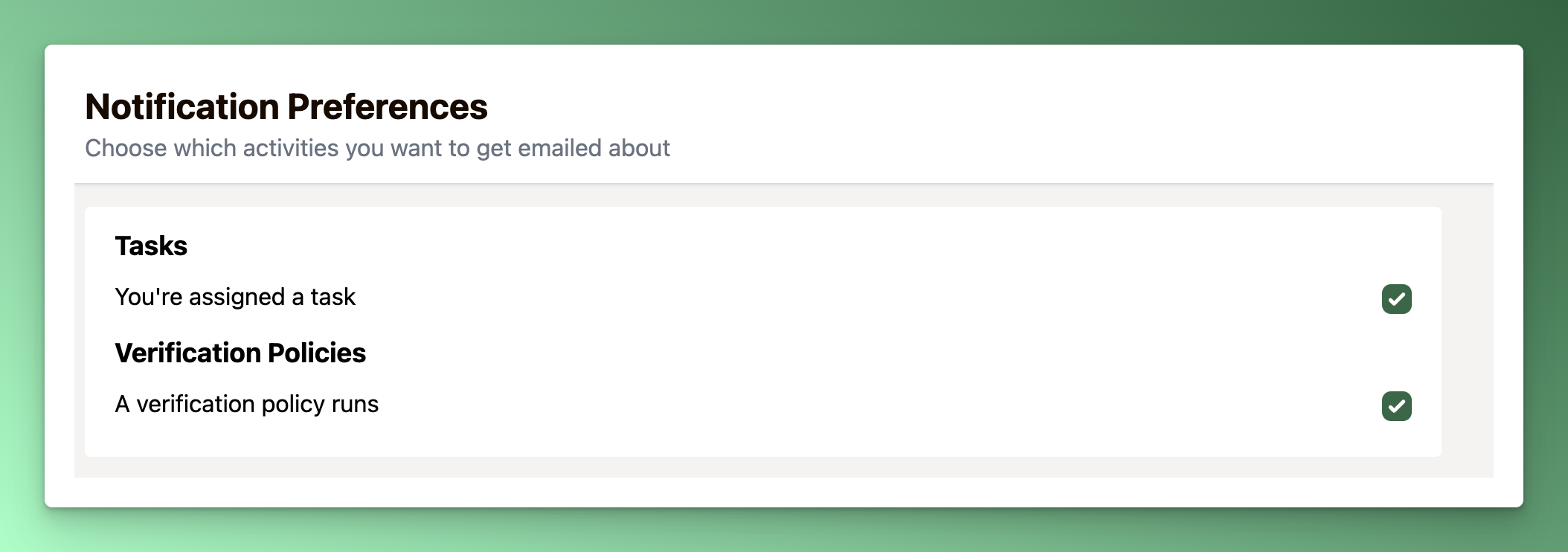
To give you control over your inbox, we've added a notification preferences page to customize notifications to your liking. Emails include a link to manage your preferences.
As we add notifications and automations, we'll keep this page updated.
Triage any document
We've updated our triage mode to allow you to triage any document in your workspace, not just documents where you're the verifier. This ensures you're prioritizing the most important docs (not just your own) and lets you help your teammates out, too 🙌
More improvements & fixes
Handle malformed link URLs
Handle Intercom article links that don't include the locale
Add unsubscribe support for document authors (who haven't signed up for Docs Fresh yet)
Add verification policy frequency setting in setup steps
Improve grammar in verification policy notifications
Add cards without a document, task assignment notifications
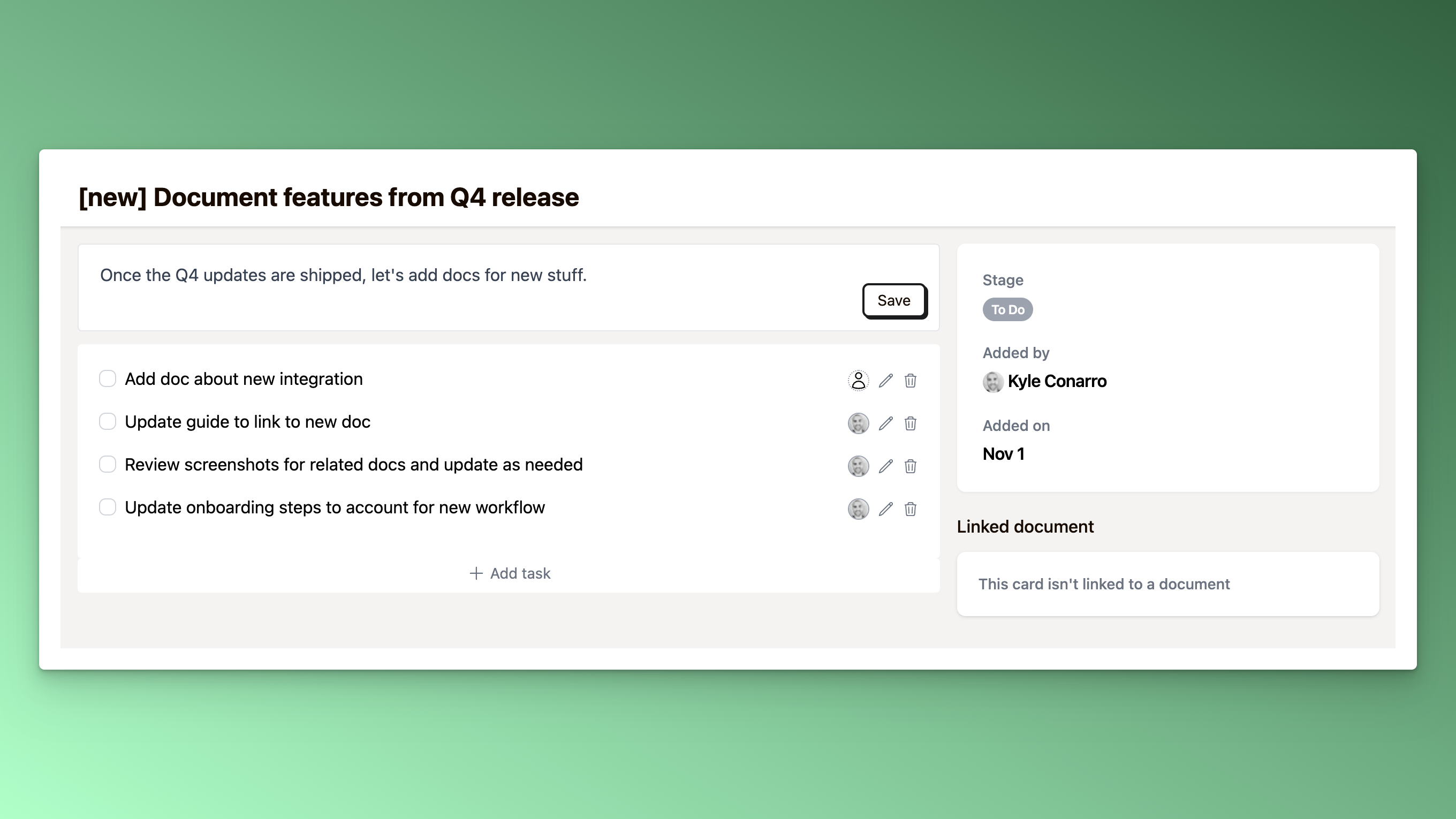
To help you track work that isn't connected to a specific document, you can now add cards to your Review Board for...well, anything!
This is great for tracking work related to:
Adding new docs to your help center
Finding docs related to upcoming product releases
Get notified when you're assigned a task
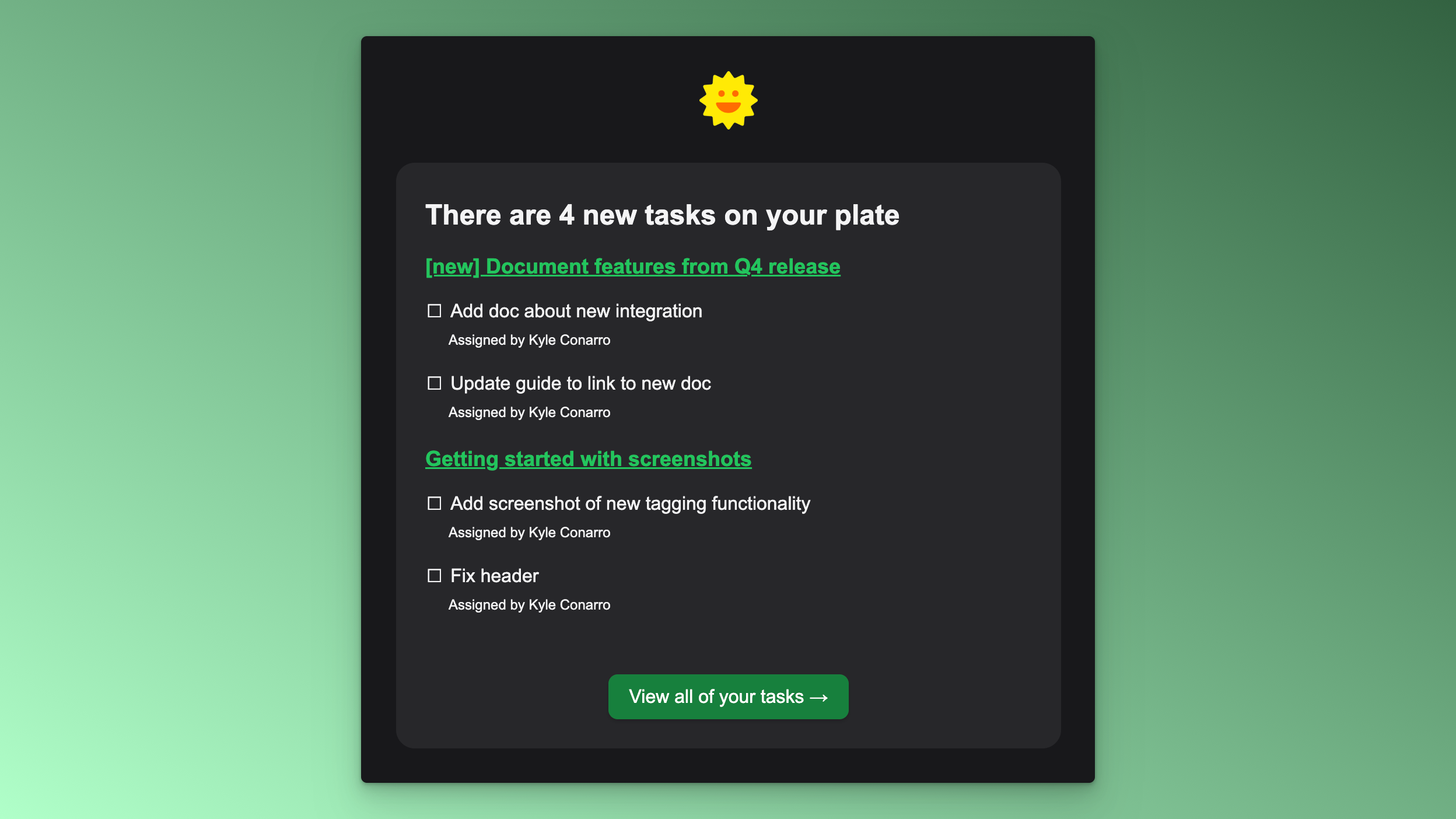
When a teammate assigns you tasks, you'll be notified via email to keep you in the loop. To protect your inbox, we'll batch up task assignments that happen within about 10 minutes of one another and send them in a single email.
More improvements & fixes
Update icons on the Review board to indicate which cards have a linked doc
Update card page to work well for cards with and without a linked doc
Only show tasks for active cards on the Tasks page
Assign and view tasks
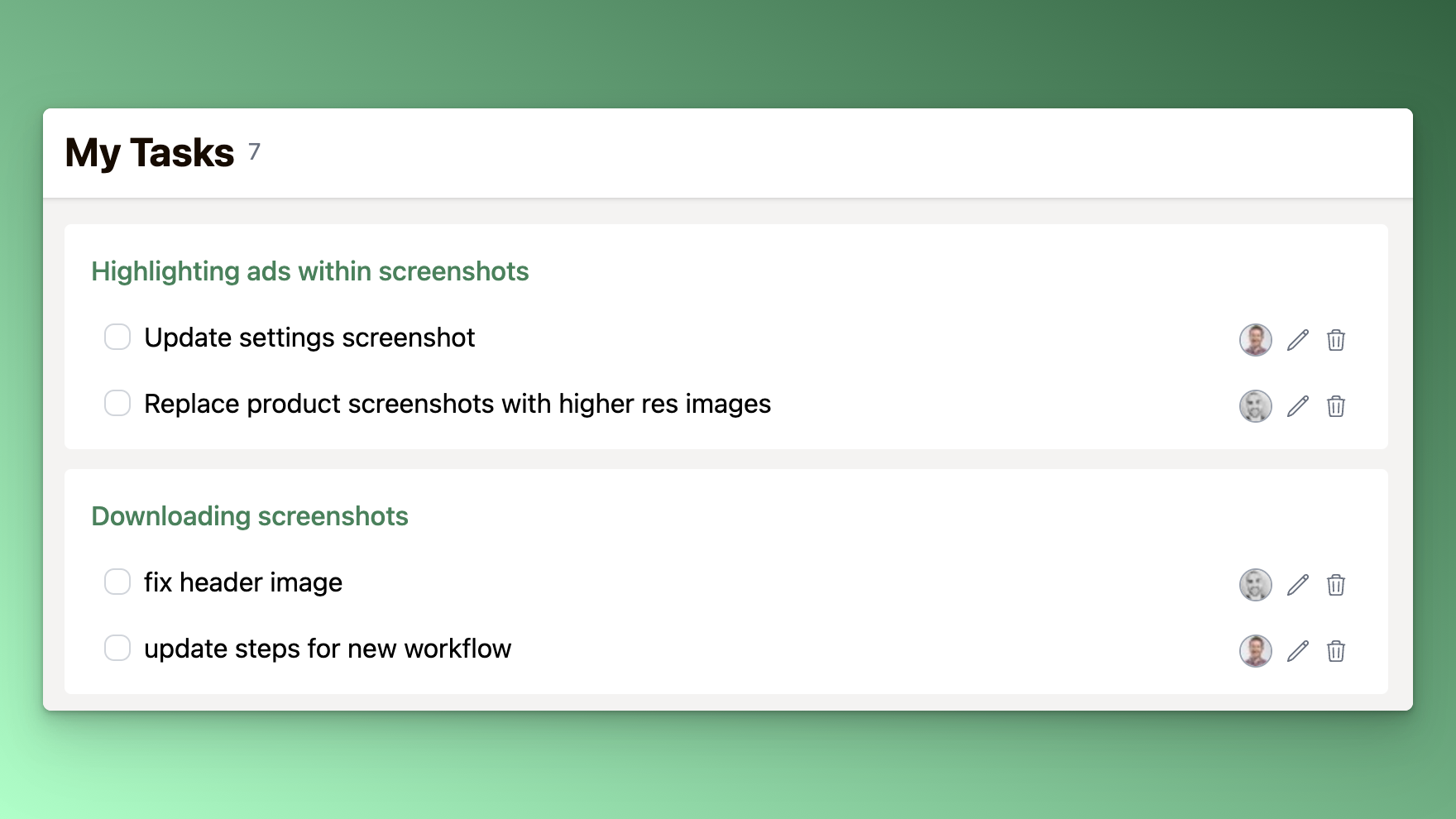
When triaging and reviewing documents, you can now assign tasks to other teammates. Whether you need a screenshot from the product team or input from a developer, simply add the task, assign it to the right person, and keep the momentum going.
Teammates can join your workspace by signing in with Intercom →
Stay organized and on top of your work with our brand new Tasks page. Now, you can easily view all tasks assigned to you in one central location.
Up next for tasks: notifications! Let us know if you have ideas or input to share →
Archive cards
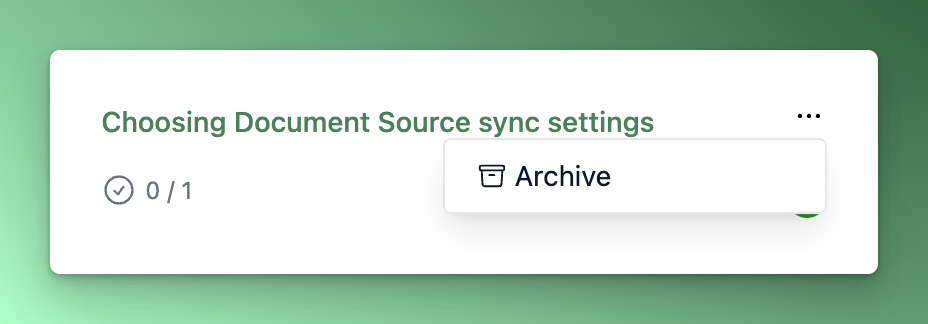
To reduce clutter on the Review Board, we'll automatically archive cards that have been done for more than 30 days. If you have a card you created by mistake or are just tired of looking at, you can manually archive it from the board itself.
More improvements & fixes
If a document is on the Review Board, include a link to "view on board" in the documents table
Indicate if a document verification was automatic (due to document syncing settings) instead of showing it as verified by a teammate
Handle deleted Intercom Articles when manually syncing a document
Expire old Triage sessions (mark as inactive) to avoid triaging documents that are no longer stale
Triage mode, review board, and tasks
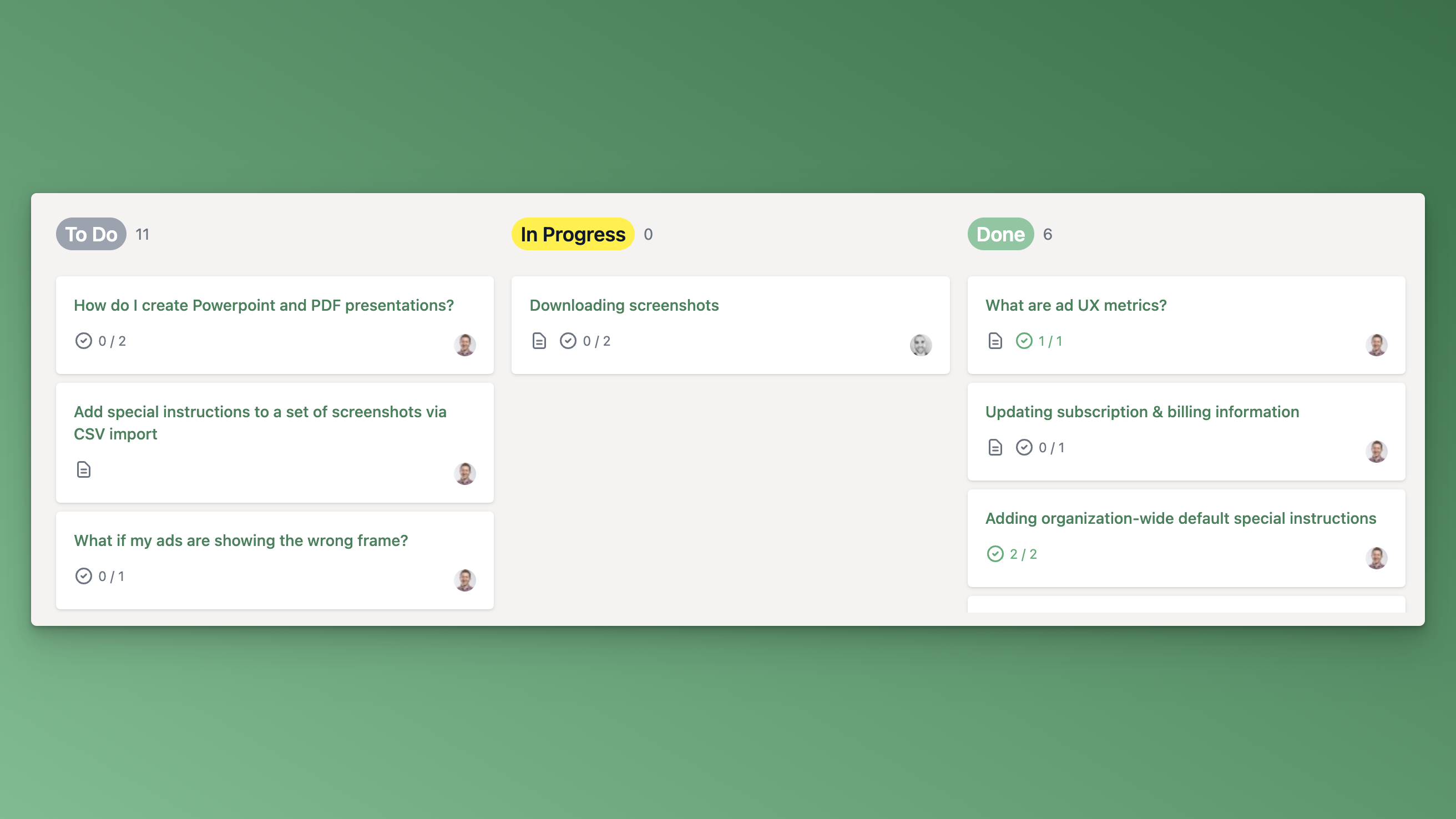
When you have a lot of documents that need updating, it can be hard to know where to start. Enter Triage mode ✨
Click Triage and quickly sift through 10 documents at a time. We'll pick the most highly viewed, least recently verified documents first.
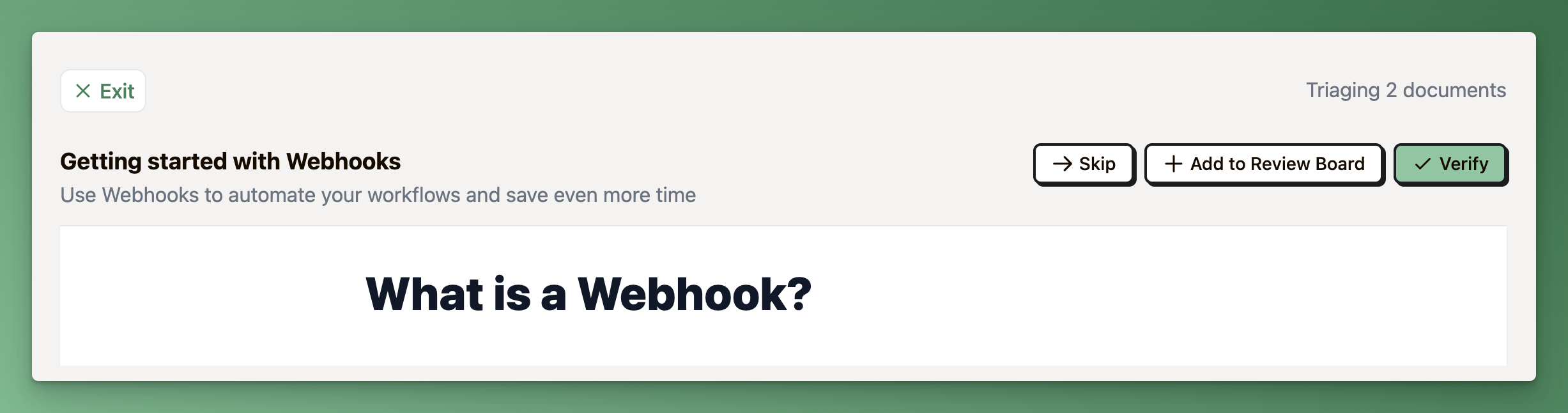
When triaging a document, you can:
Skip it
Add it to the review board
Verify it
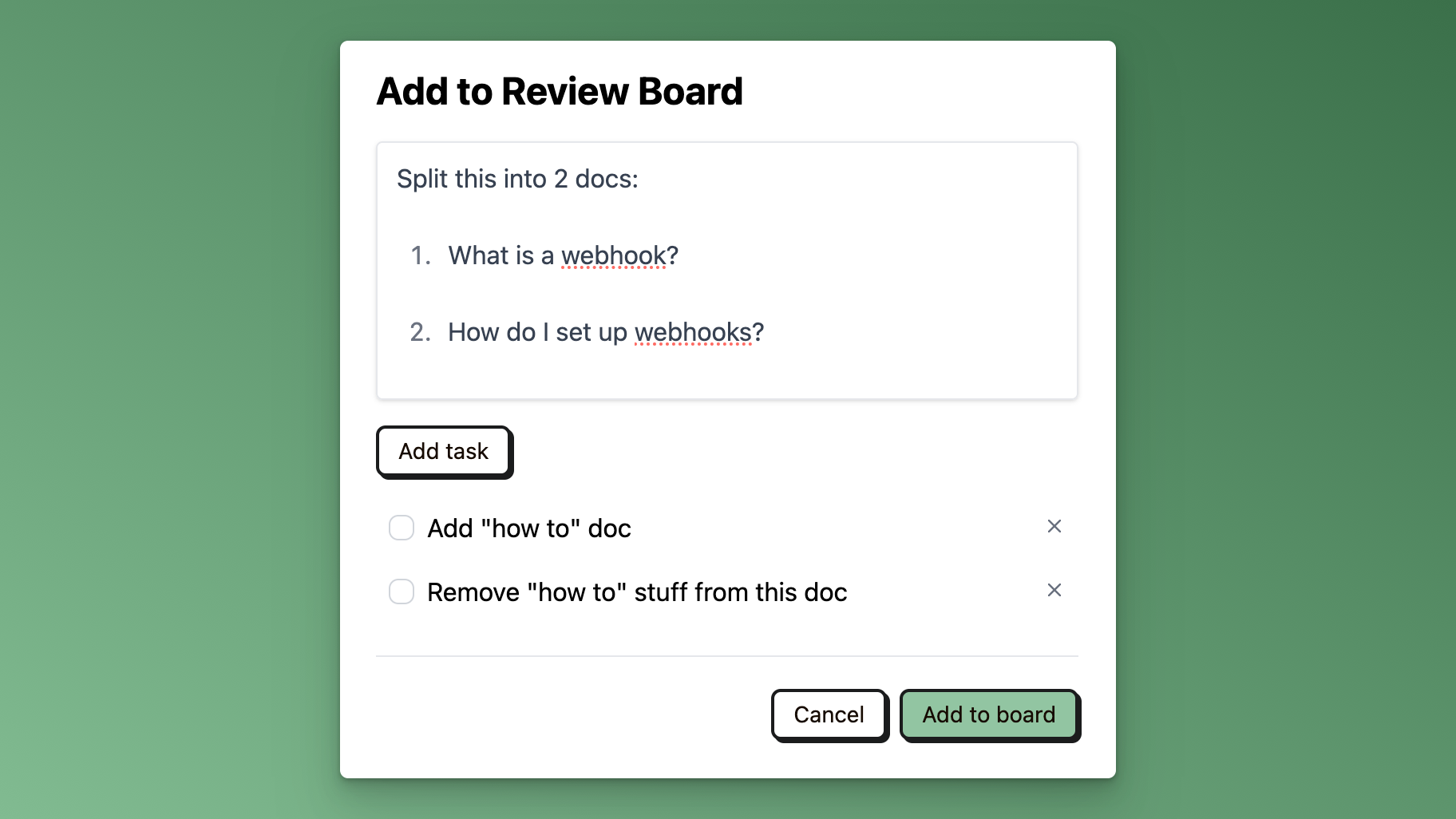
When you add a document to the review board, you can add notes and tasks to help you track what needs to be updated.
More improvements & fixes
Fixed a bug causing duplicate Slack and email notifications
Fixed issue where toast messages caused nav links not to work
Fixed the document status filter to work when paginating the documents table
Added a new feedback form and changelog widget -- let us know what you think!
Get notified weekly (or daily) in Verification Policies
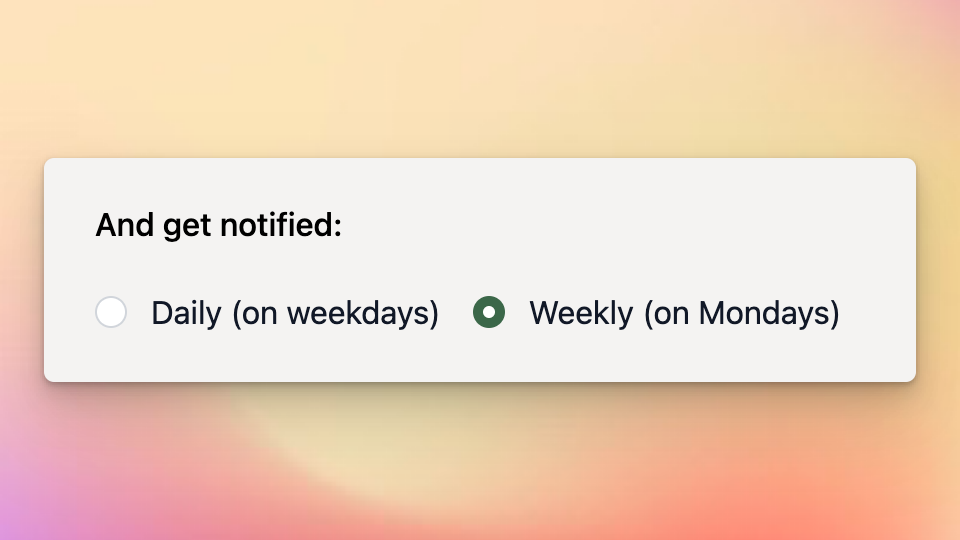
You can now customize Verification Policies to send email and Slack notifications weekly or daily (the current default).
To try it out, just click the Edit button on one of your Verification Policies.
Include (or exclude) document authors when sending email notifications
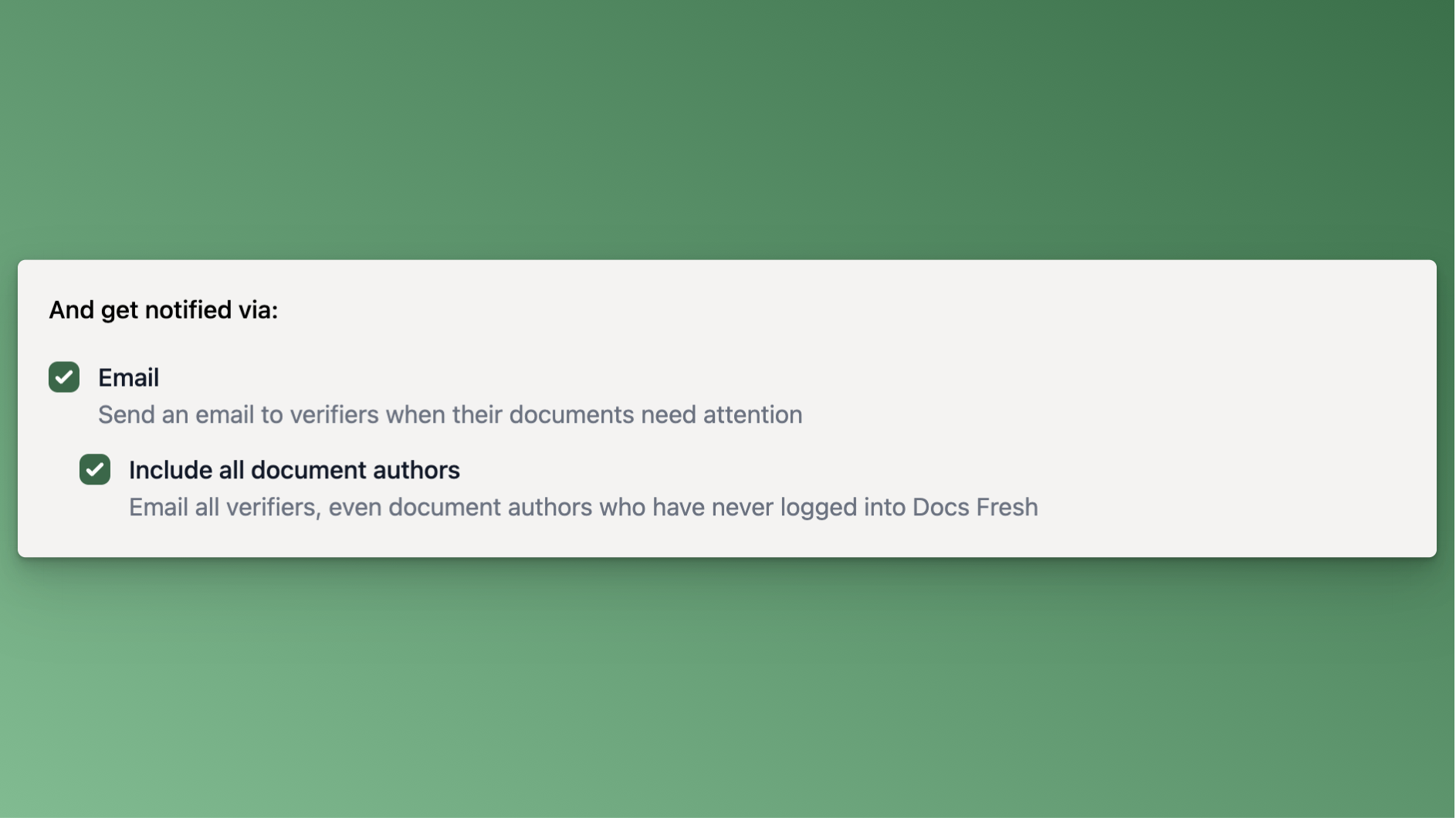
When you create a Verification Policy, if you enable email notifications, you can now choose to include or exclude document authors who don't have a Docs Fresh account.
This may help if and are looking to get started with Docs Fresh without creating a bunch of noise in your teammates inboxes.
To try it out, just click the Edit button on one of your Verification Policies.